Validate contrast and push the palette into related tools
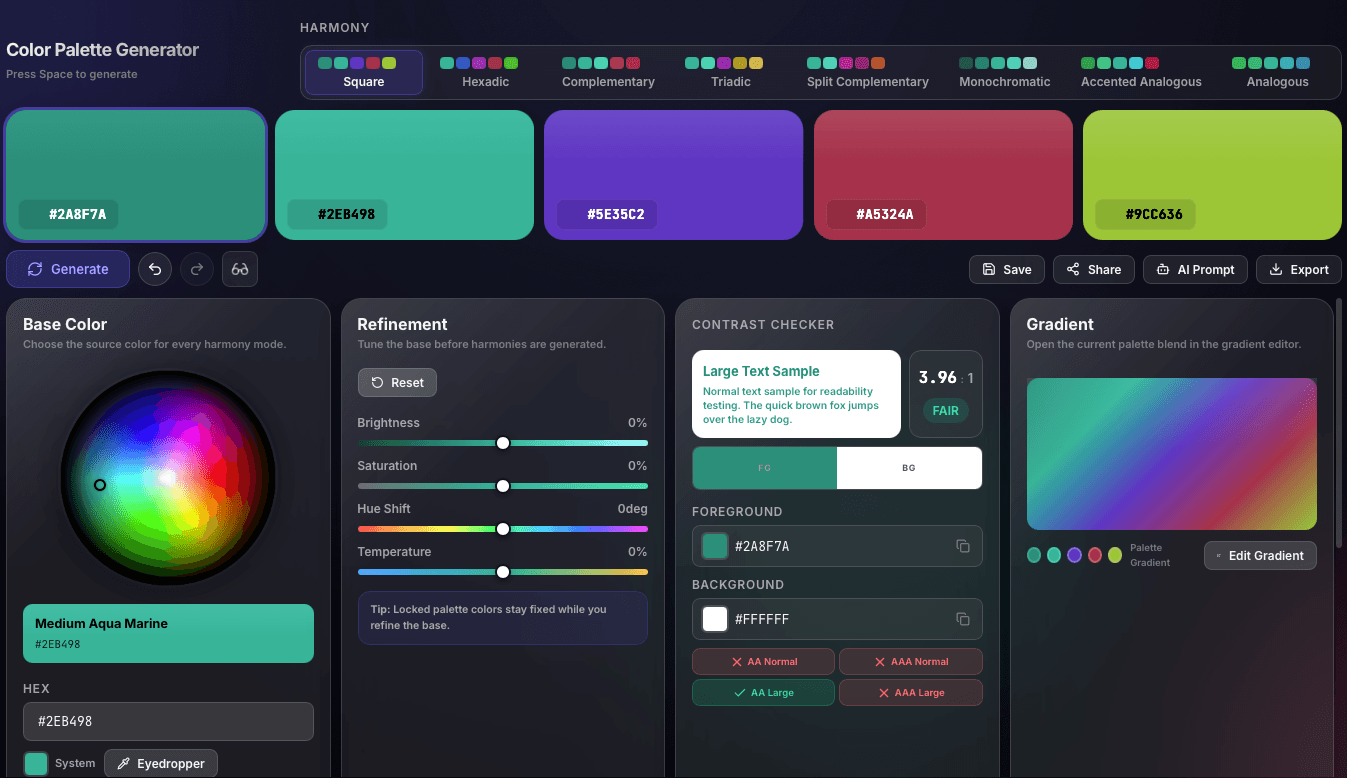
The full workspace combines harmony generation, contrast checking, and a linked gradient preview so a finished palette can move straight into gradients, exports, and implementation workflows.
Use this free online color palette generator to build balanced palettes for branding, websites, UI UX design, and product interfaces. Lock swatches, test accessibility, export to Tailwind or CSS, and regenerate instantly with Space. No login required.
Generate balanced palettes, lock colors, validate accessibility, and export production-ready color systems from one workflow.
Every palette is mathematically derived from color theory. Switch harmony modes to instantly change the emotional tone of your palette without starting over.
Found a color you love? Lock it. Then press Space to regenerate only the unlocked slots. Build your perfect palette incrementally, one color at a time.
Click any color card to see the full breakdown — every format, every value. Click any row to copy it instantly.
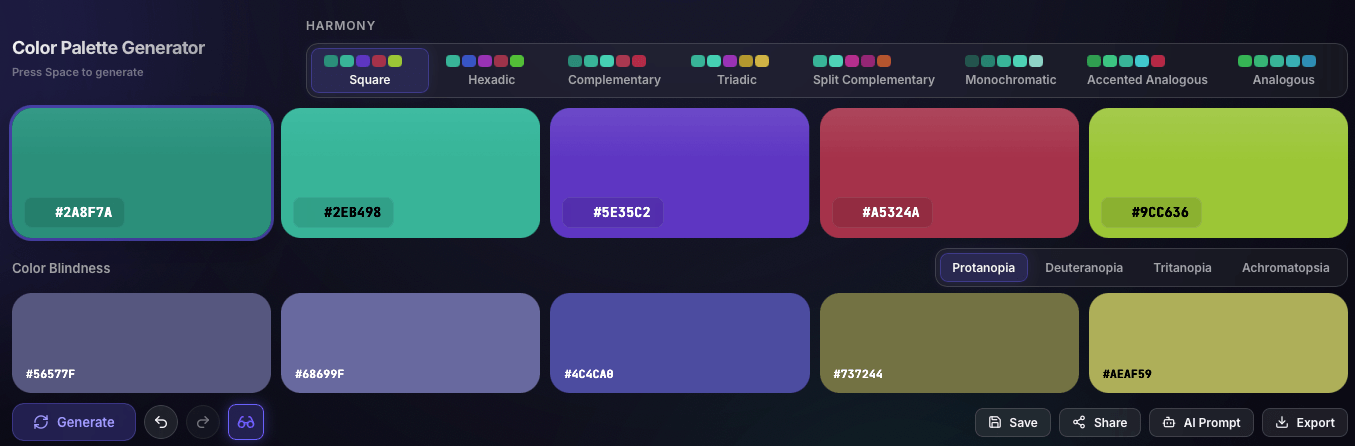
See your palette through the eyes of someone with color vision deficiency. The simulation panel overlays transformed colors in real-time using chromaticity matrix calculations.
One click to get your palette into your project, in the format your workflow demands.
The tutorial below uses the real product UI to show how visitors move from a base hue to an expanded, accessible palette that is ready for gradients, exports, and downstream tools.

The full workspace combines harmony generation, contrast checking, and a linked gradient preview so a finished palette can move straight into gradients, exports, and implementation workflows.

Start with a harmony family such as Square, Complementary, Triadic, or Analogous, then compare the resulting five-color palette with its color-blindness simulation before committing to a direction.

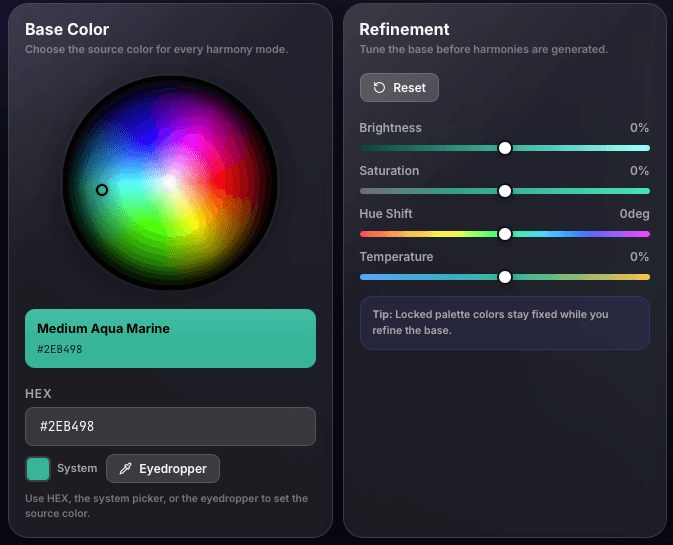
Use the wheel, HEX input, eyedropper, and base-color refinement controls for brightness, saturation, hue shift, and temperature so locked palette colors stay aligned with your intended direction.

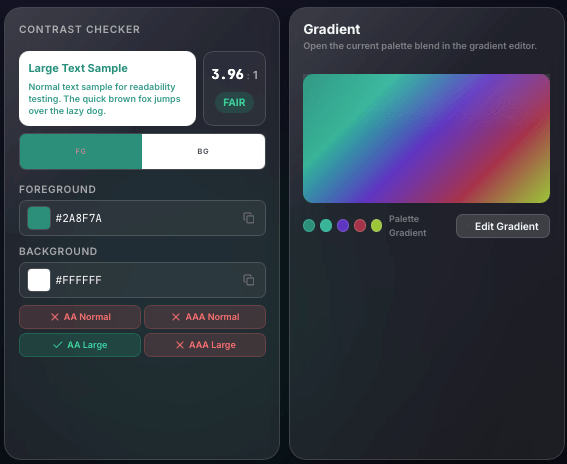
Before exporting, users can verify foreground and background readability, confirm AA and AAA states, and inspect how the current palette blends inside the linked gradient editor.

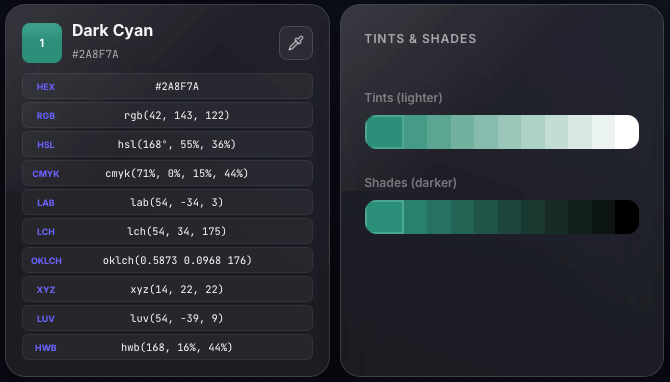
The detail view surfaces formats like HEX, RGB, HSL, LAB, LCH, OKLCH, and more, then extends the chosen swatch into lighter tints and darker shades for production handoff.

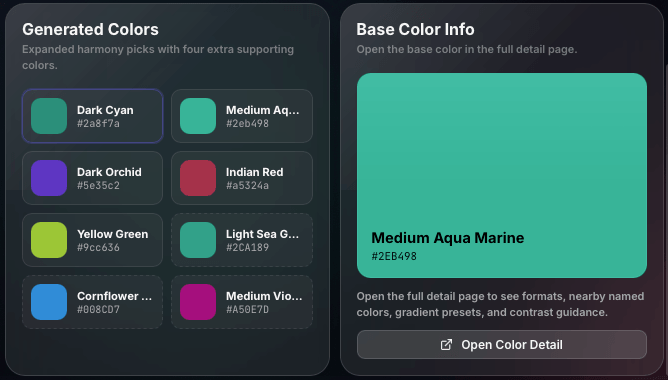
Generated supporting colors help users expand beyond the original five swatches while the base color info panel gives a focused place to inspect the source color and jump into a deeper detail page.
Use this color palette generator when you need fast palette exploration with clear handoff into CSS, Tailwind, gradients, and accessible interface work.
Answers about generating, locking, and exporting palettes for brand, website, and product design work.
The generator starts from color theory harmony rules such as complementary, analogous, triadic, and monochromatic, then builds a balanced five-color palette around that logic.
Yes. Lock any swatch you want to keep, then regenerate only the unlocked colors until the palette is exactly right.
Yes. You can export palette colors as CSS variables, JSON, PNG, SVG, SCSS, or a Tailwind-ready config for development handoff.
Yes. It is designed for graphic designers, web designers, UI UX teams, and brand designers who need balanced palettes that can move straight into production.